Use cases
Pick the job, see it done on a real screen
Each page follows one job through the product, press by press, on a demo studio's books. The rows below it are the rest of what ships today.
Use cases
Getting paid
Contracts, invoices, and the clients who are late.
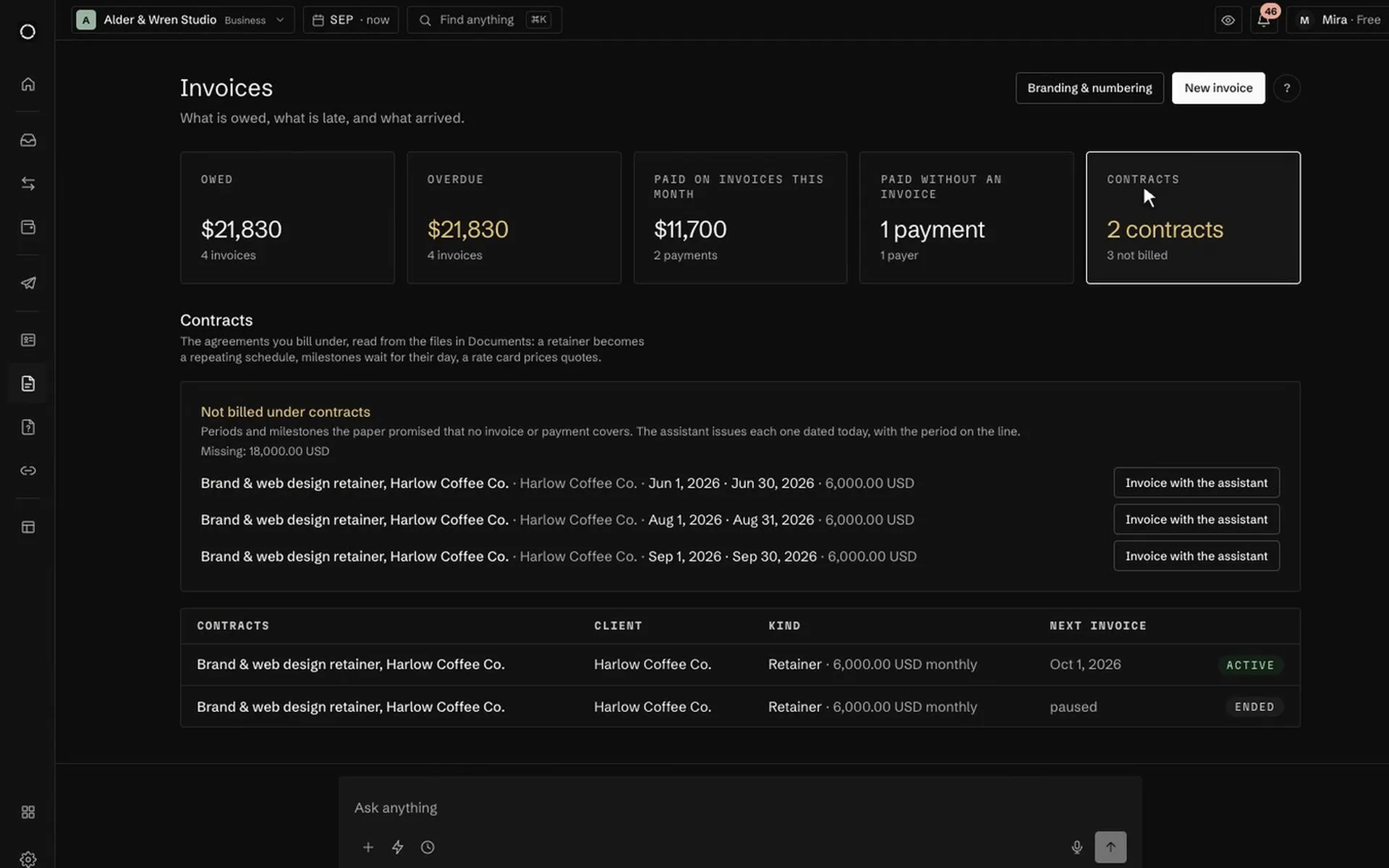
- Retainer billing →Contracts become invoice schedules, and missed months show up
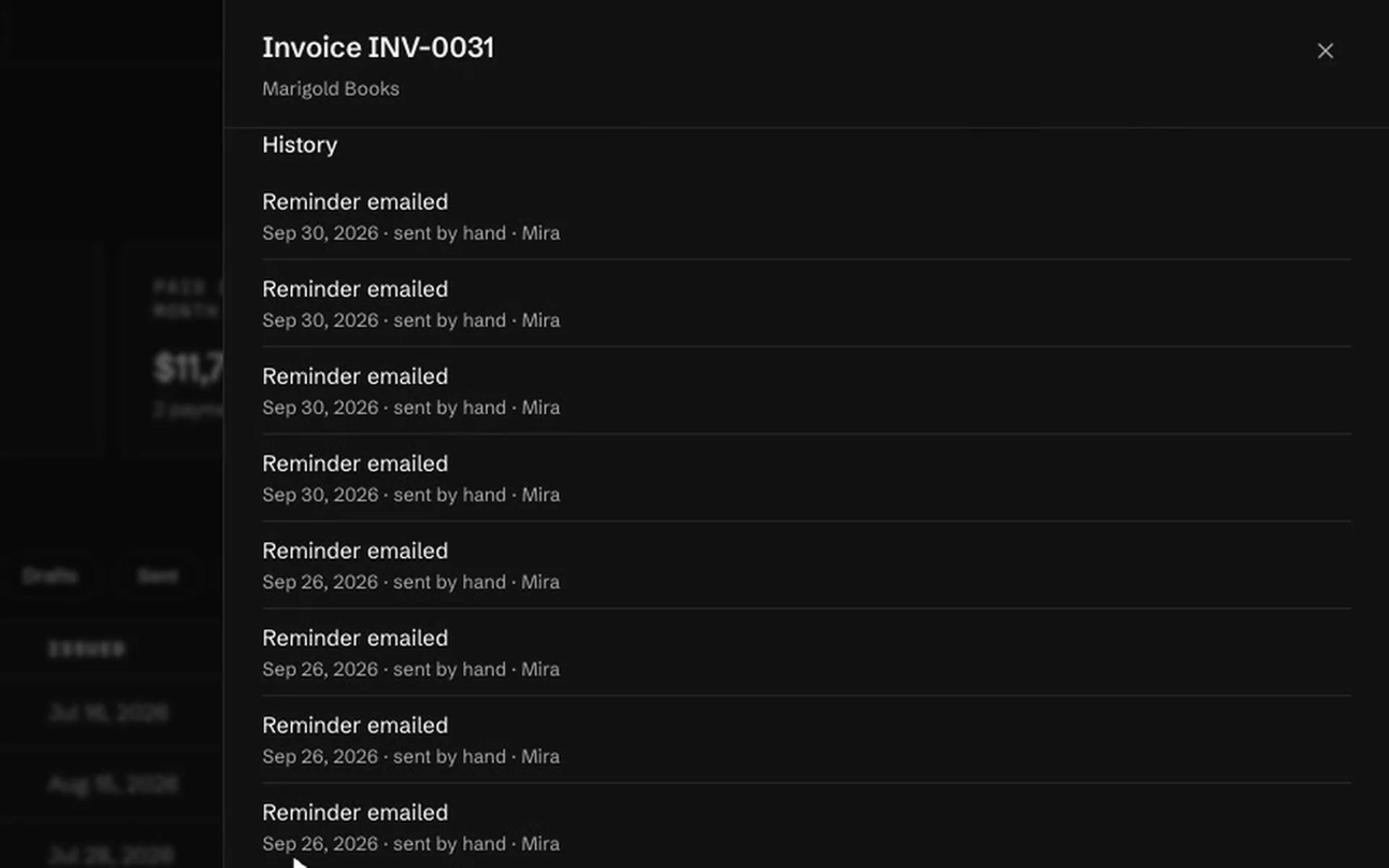
- Late invoices →One row per client, and whether to write or to call
- Money arrived with no invoice behind it →Switched on per space
- Paid without an invoice lists client money nobody invoiced. One press issues the invoices, dated the day each payment arrived and already paid.
- Know which client pays slowest →
- Ask "who pays slowest" or "what should arrive this week" and get days to pay per client, and what is due in buckets.
- A ping when a client is a week late →Counts toward automation rules
- "Tell me when Acme is 7 days overdue" becomes a rule on the Automations page with one press.
- The client's reply to your invoice reaches you →
- Replies to the invoice mail go to the billing email on the document, and the subject names you, not Orla.
- Clients pay and ask for time in their own chat →Starter and up
- An invoice in a client's Telegram or Slack chat carries Pay, I paid this and Ask for more time. Your team moves the due date with a button.
Use cases
Paying suppliers
Bills, signatures, and what stops a wrong payment.
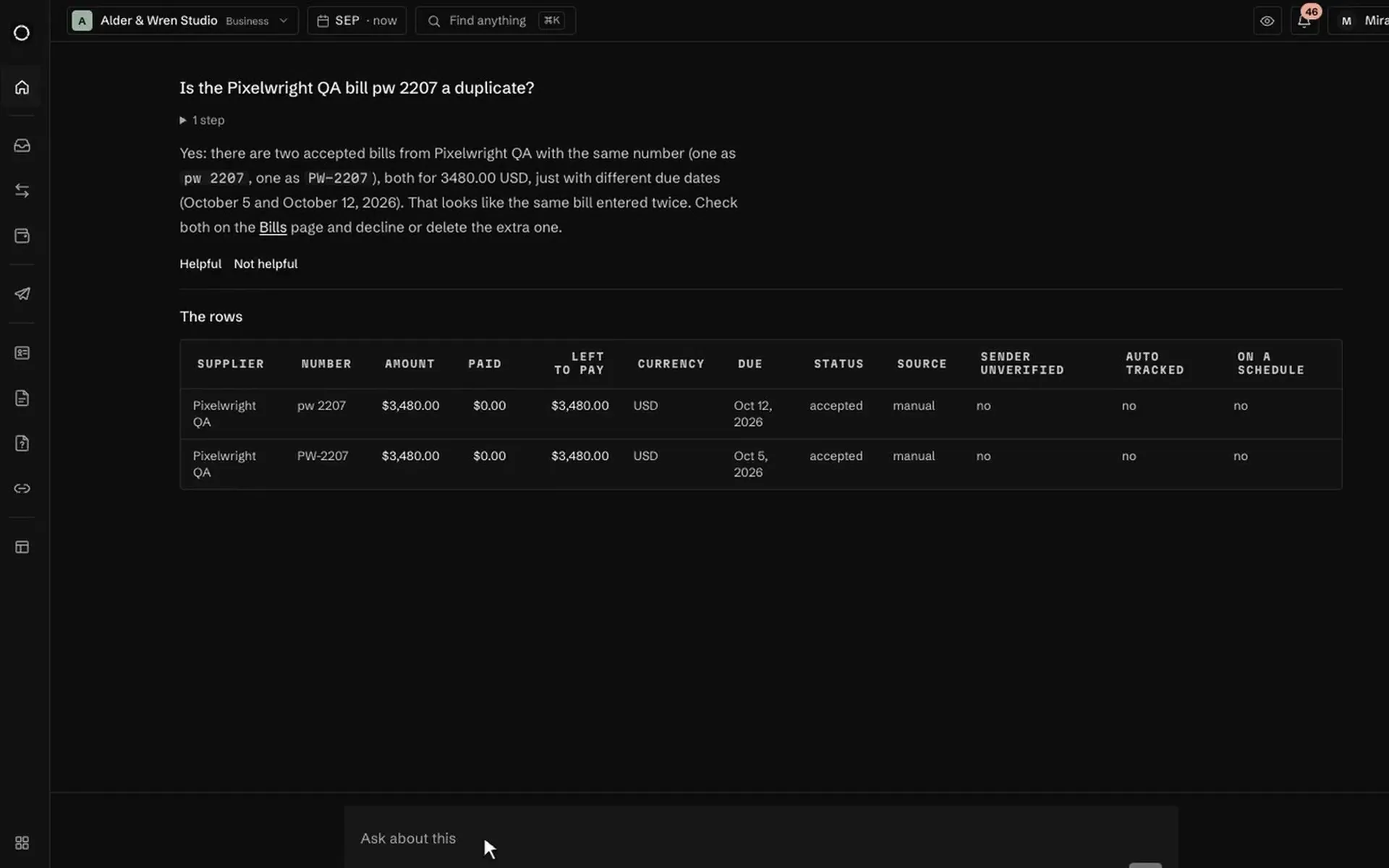
- Invoice fraud and duplicates →Duplicate bills, unusual amounts, and changed bank details
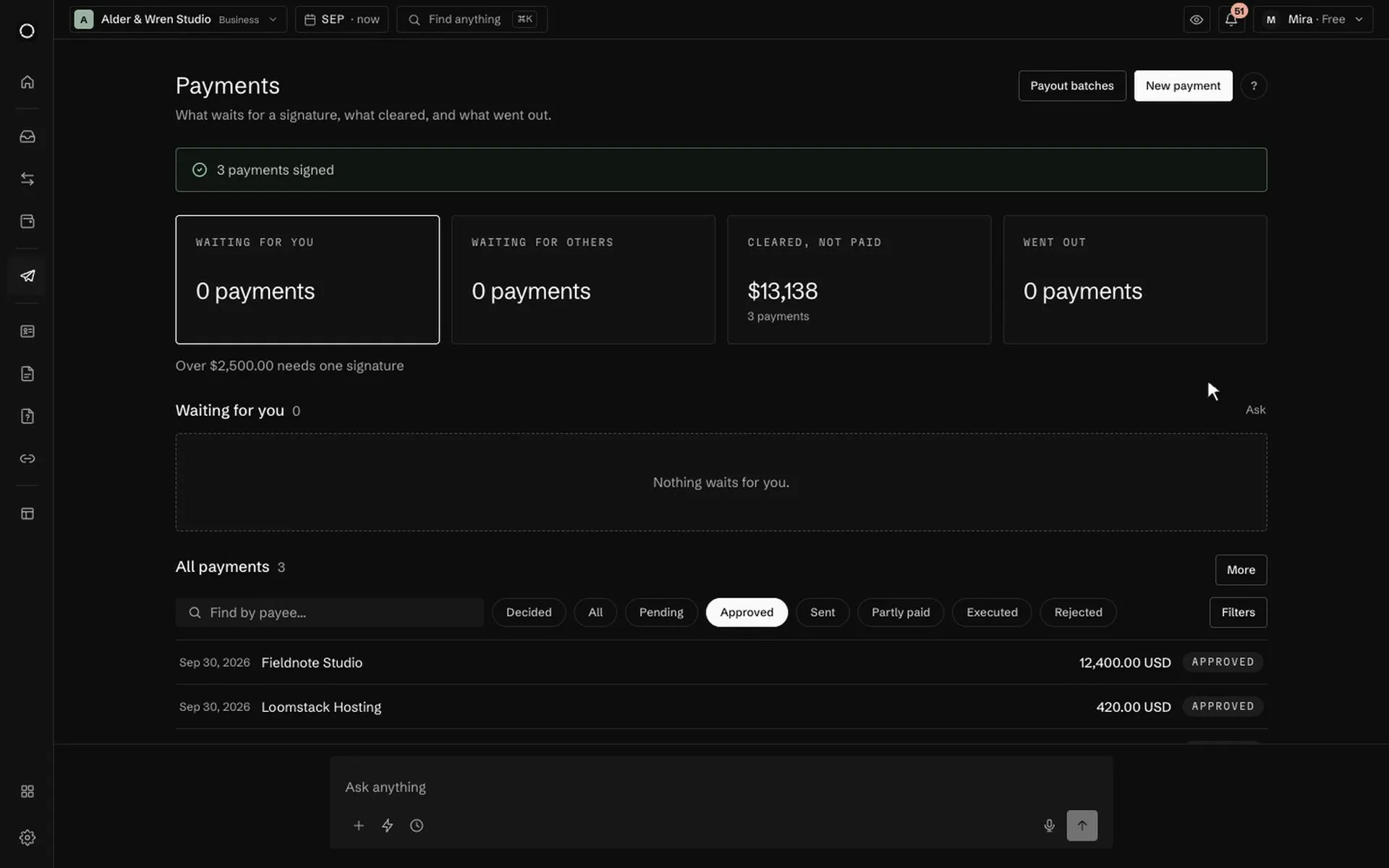
- Invoice approvals →A written rule, signatures in bulk, and nobody signs their own
- Supplier bills arrive by email →Paid plans
- Forward bills to the space's address and each becomes a draft in Bills to pay. Where to pay always comes from the contact card, never from the email.
- Unknown senders wait in quarantine →Paid plans
- Mail from someone the space does not know waits for a person. Nothing in it is downloaded or read until somebody presses Allow.
- A supplier who never sends an invoice →Switched on per space
- Write the supplier's invoices turns payments to an ad account or contractor into invoices that continue the supplier's own numbering.
- Lookalike payment names are refused →
- Your payment address is orla.finance/@name, and names built to pass for support, like supp0rt, are refused before anyone can take them.
Use cases
Closing the month
Receipts, the bank statement, and the month for your accountant.
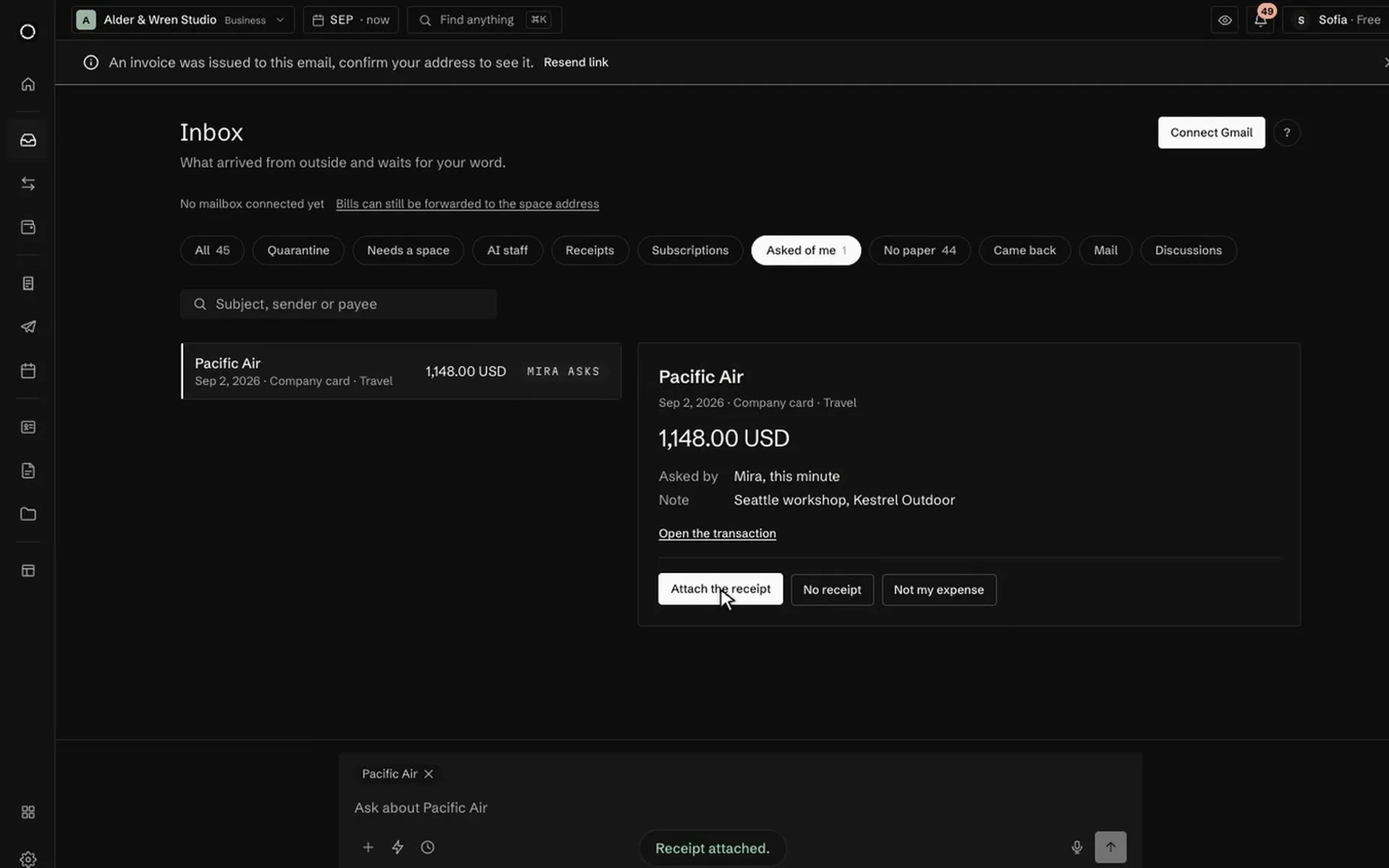
- Missing receipts →Ask the teammate who paid, and the file lands on its expense
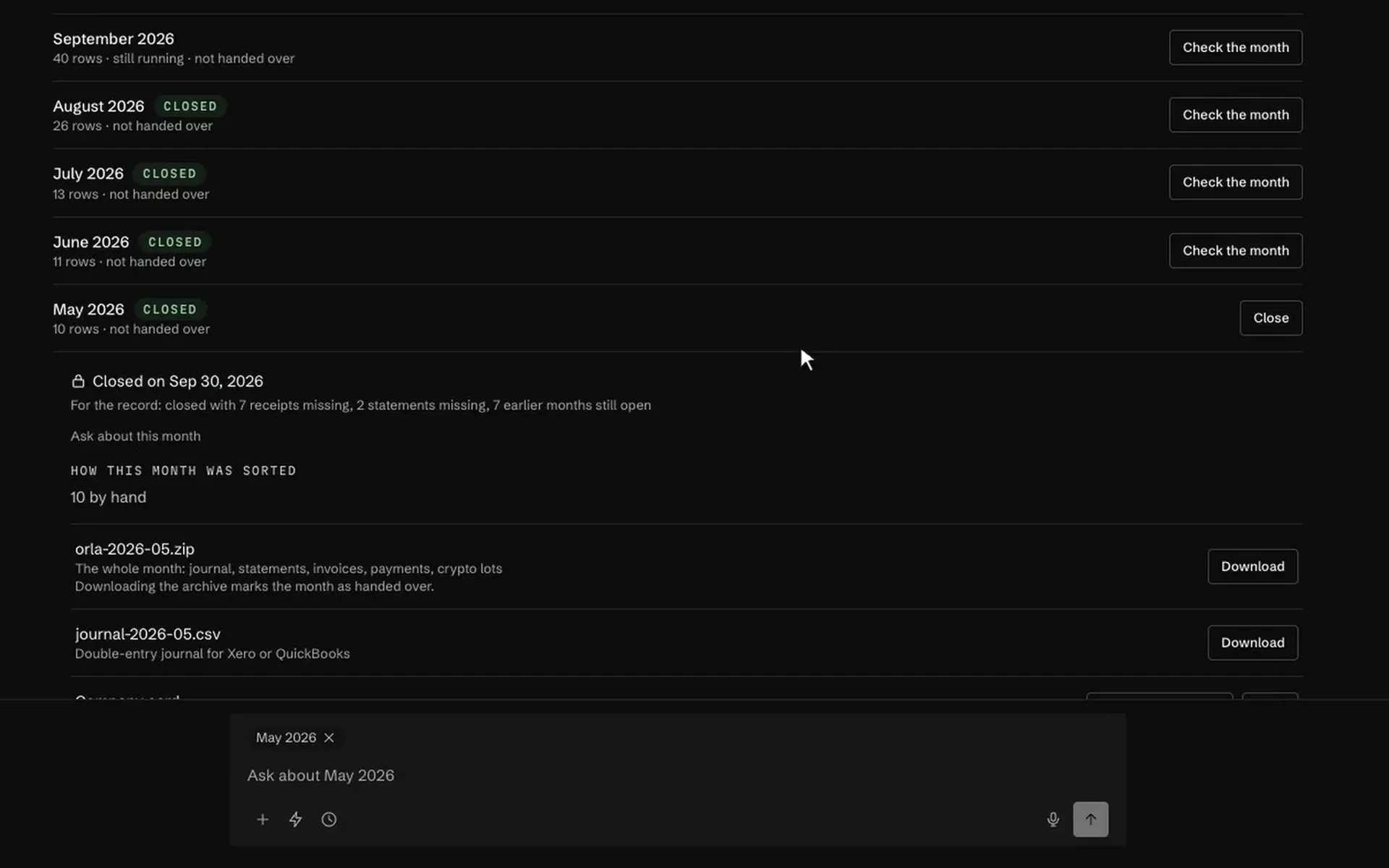
- Month-end close →Ten checks against the month, a lock, and a file for the accountant
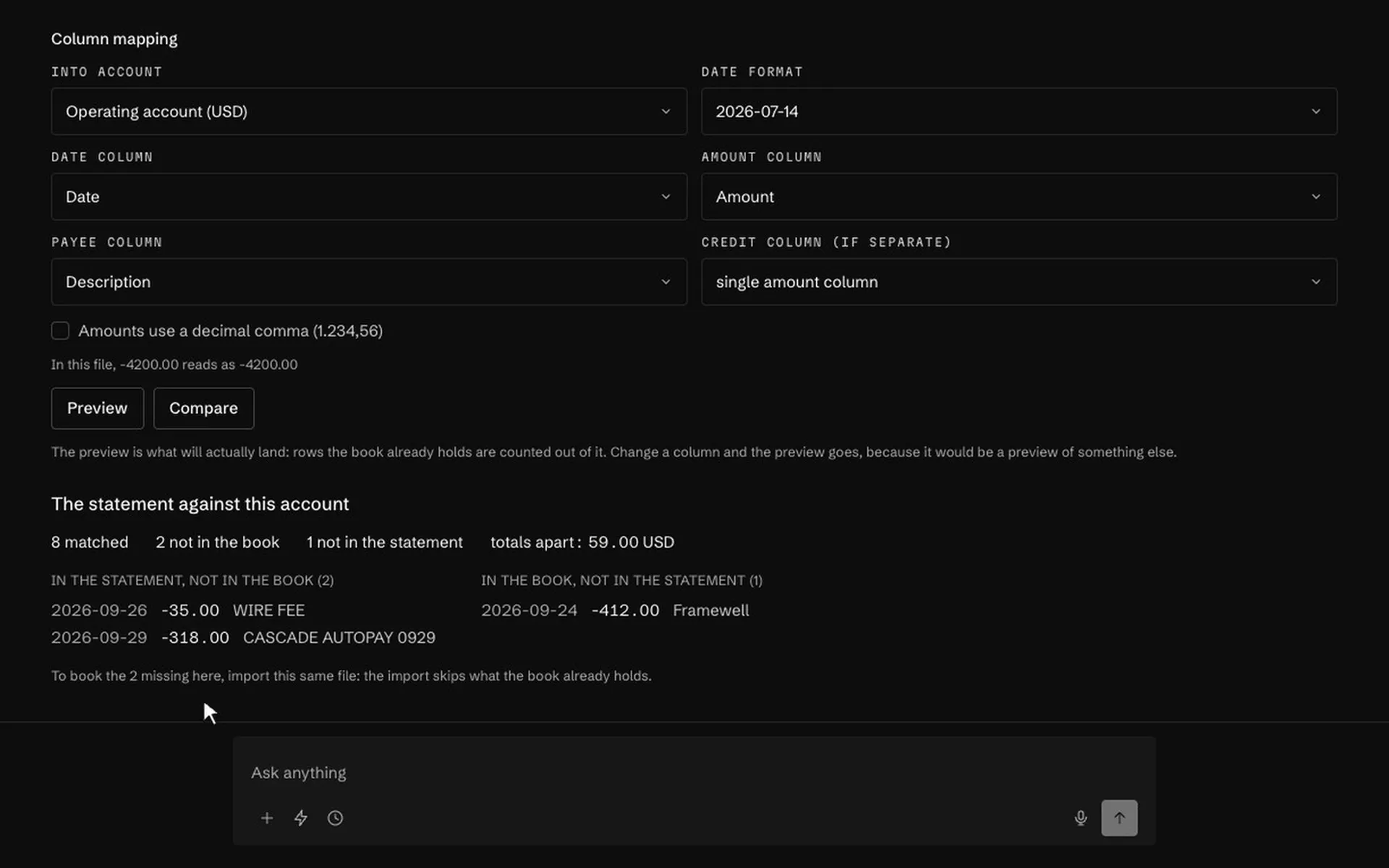
- Bank reconciliation →Check a statement against the ledger before anything is written
- Hand the quarter to your accountant →Pro and up
- A double-entry journal as CSV for Xero or QuickBooks, statements, and a ZIP of the month with its receipts. There is no live sync; it is a file.
- A bank that will not connect →
- Import the statement as a CSV, or as a PDF or photo up to 100 pages, and the rows land with the receipts from mail finding their lines.
- Pay back what the team spent →
- A teammate files an expense claim with the receipt; a manager approves and Reimburse selected pays them all in one run under your approval rules.
Use cases
Team and AI staff
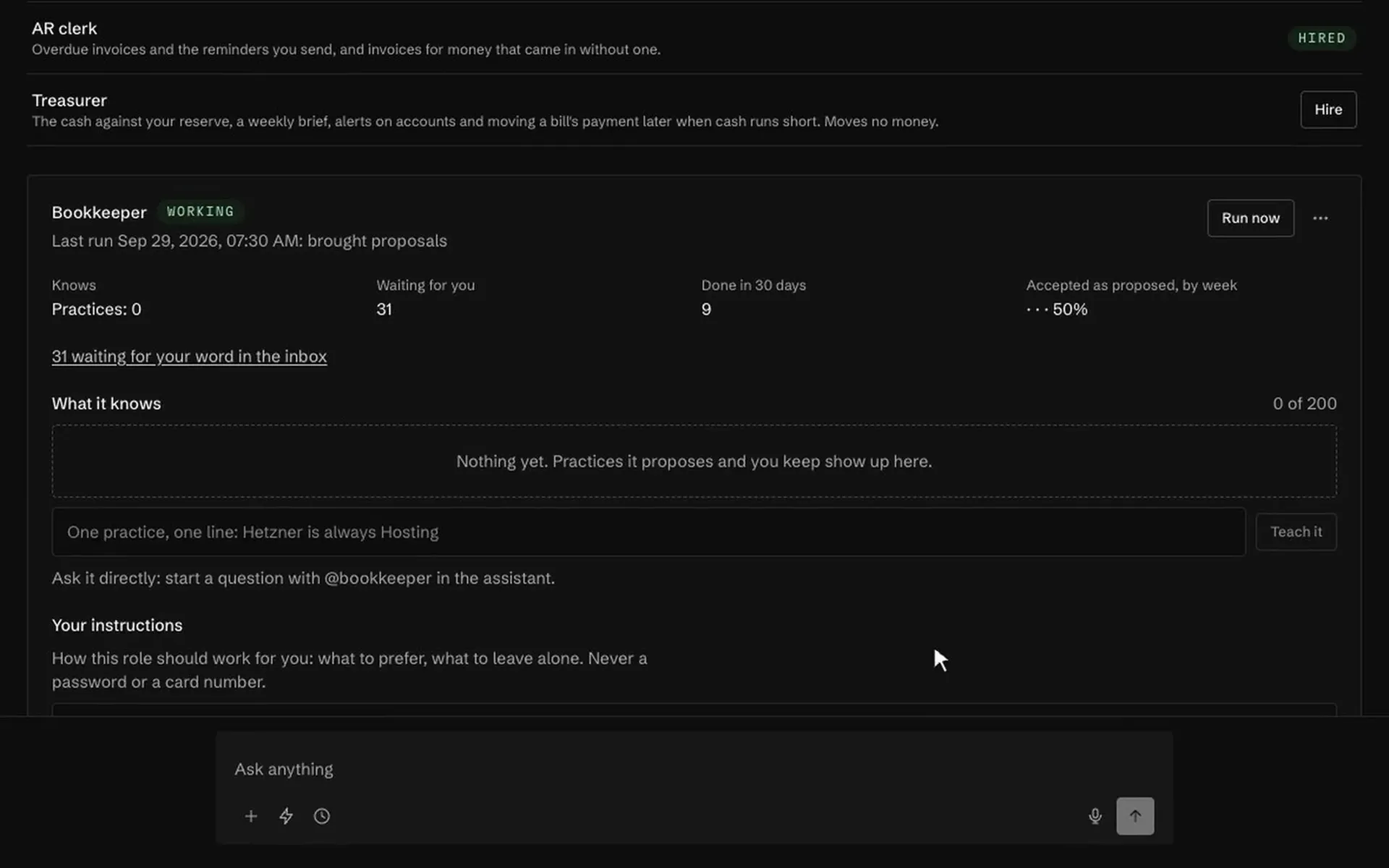
Who may do what, and the roles that work the books daily.
- An accountant seat that cannot move money →Pro and up
- Your accountant reads the books, keeps the paperwork and downloads the month. Proposing, approving or sending a payment is not something the seat can do.
- Switch the AI off for the whole company →
- One switch on the Privacy tab stops everything that would send the space's data to an AI provider: answers, category suggestions, statement scans, receipt reading.
See it on your own books
Thirty minutes: we connect an account, drop a real bill in, and close a month together.