The product
A finance back office that runs on the switches you set
Which sections a role sees, who signs a payment and what an agent may pay: each of them is a switch on your side.
01 · Inbox and the ledger
Mail, receipts and bills leave the queue filed
Mail, receipts and expenses wait in one queue, and every row lands with its category and its paper.
InboxTransactionsCategories and rulesAccounts and railsMove inBudgets
Inbox and the ledger in full →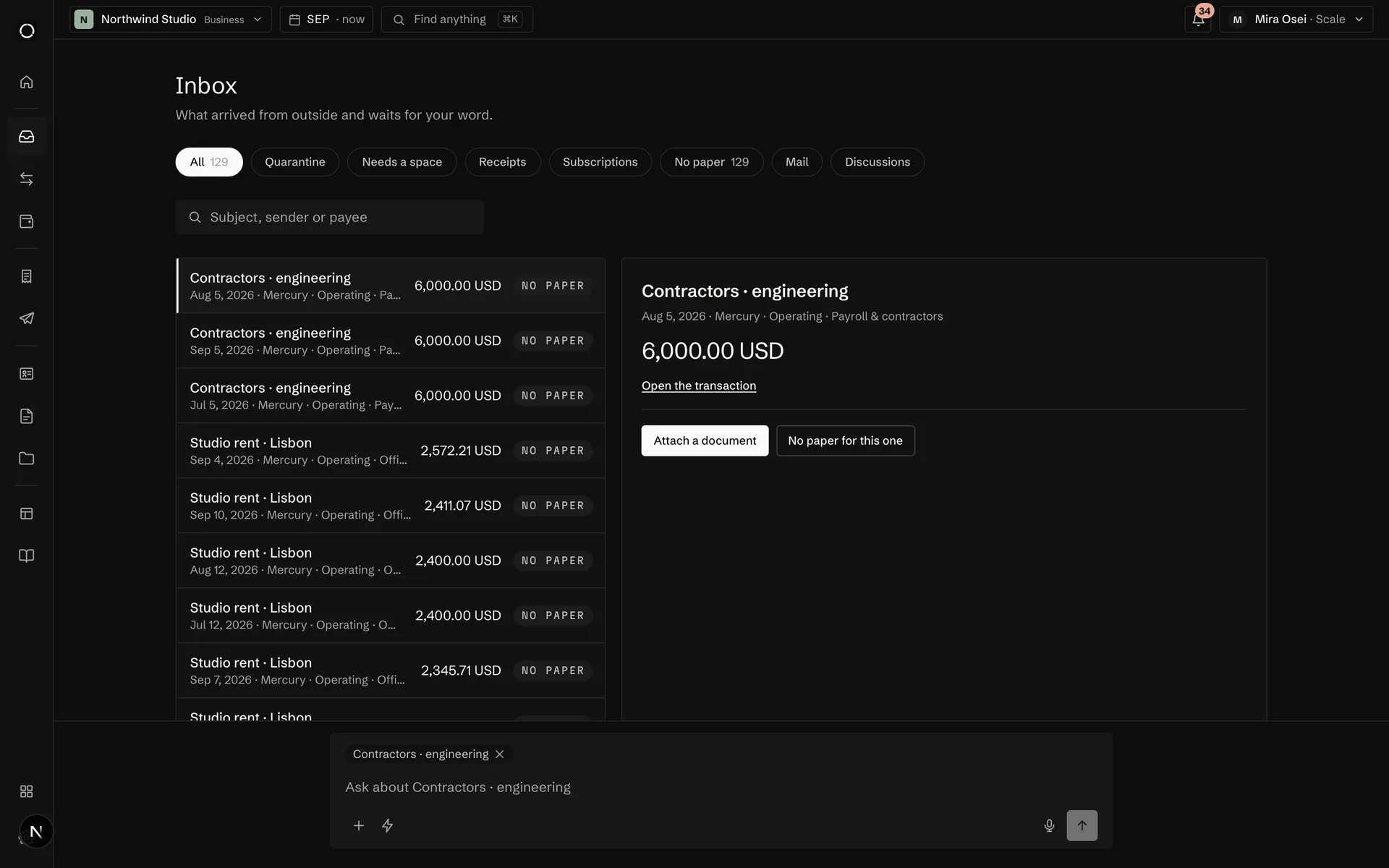
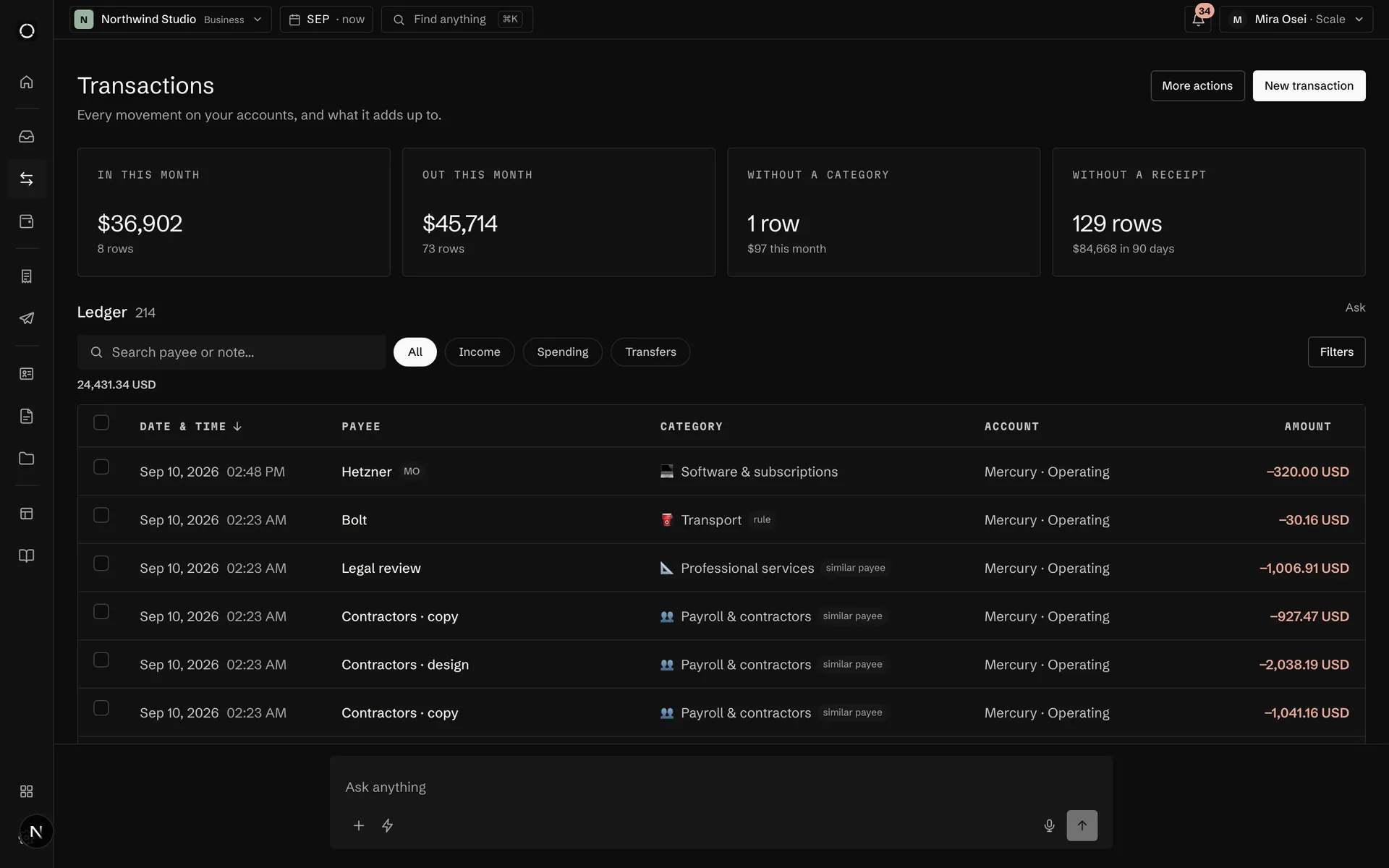
Categories · 212 rows filed
Rule, in words
payee contains Hetzner → Software & subscriptions
Keep the ruleUndo
Rows without a category queue up by merchant, and one rule in words files the next import on its own.
One total, every rail
$131,3144 accounts · updated 09:12Banks, exchanges, wallets, platforms and cash: one list, one total.
02 · Pay and get paid
Money leaves on your rule, invoices settle themselves
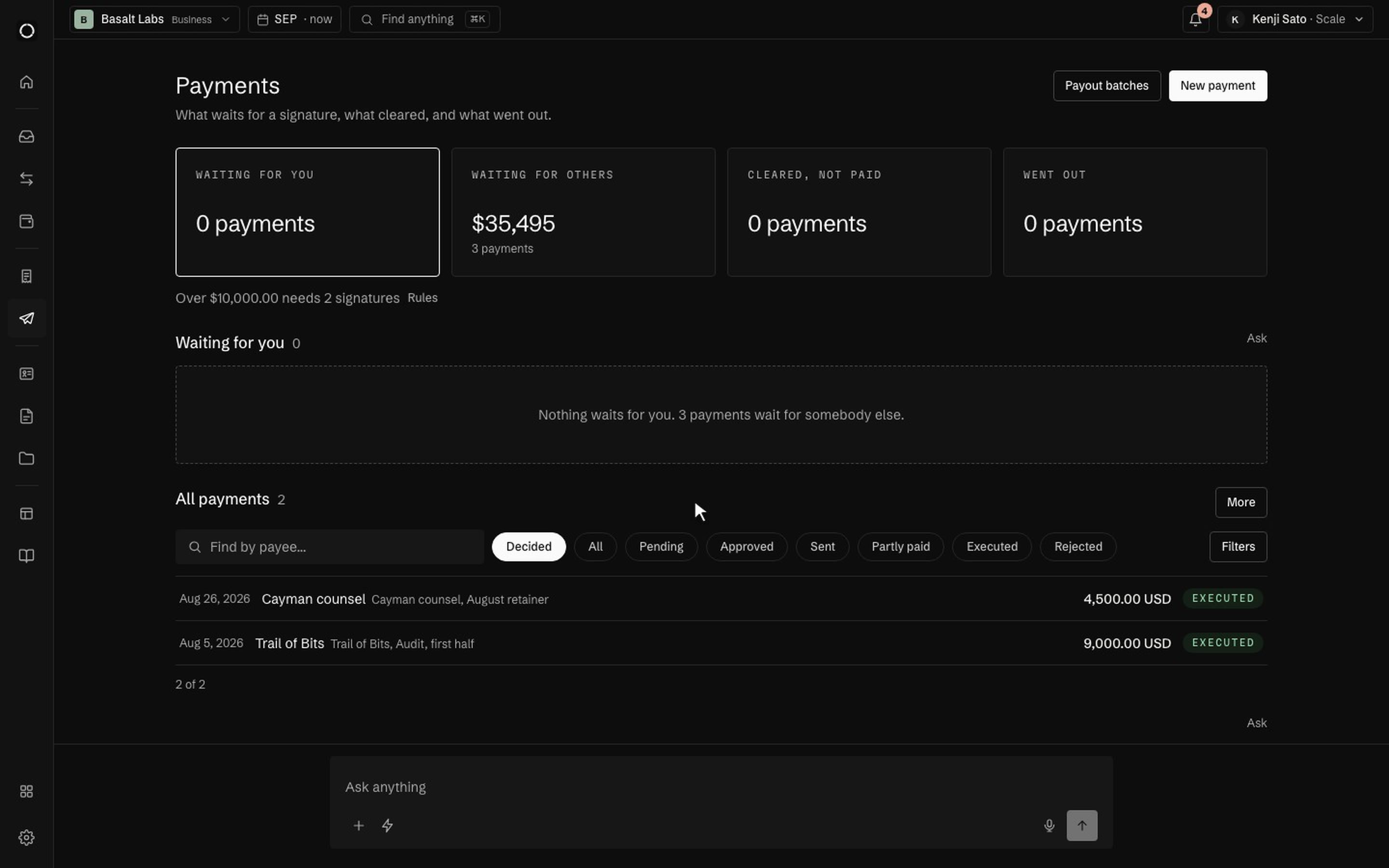
Bills go out in one batch under your rule; invoices take a card, a transfer or a stablecoin.
Bills to payPayments and batchesCardsInvoices and quotesContractsPay linksLoans and debtsCalendarEarn and borrow
Pay and get paid in full →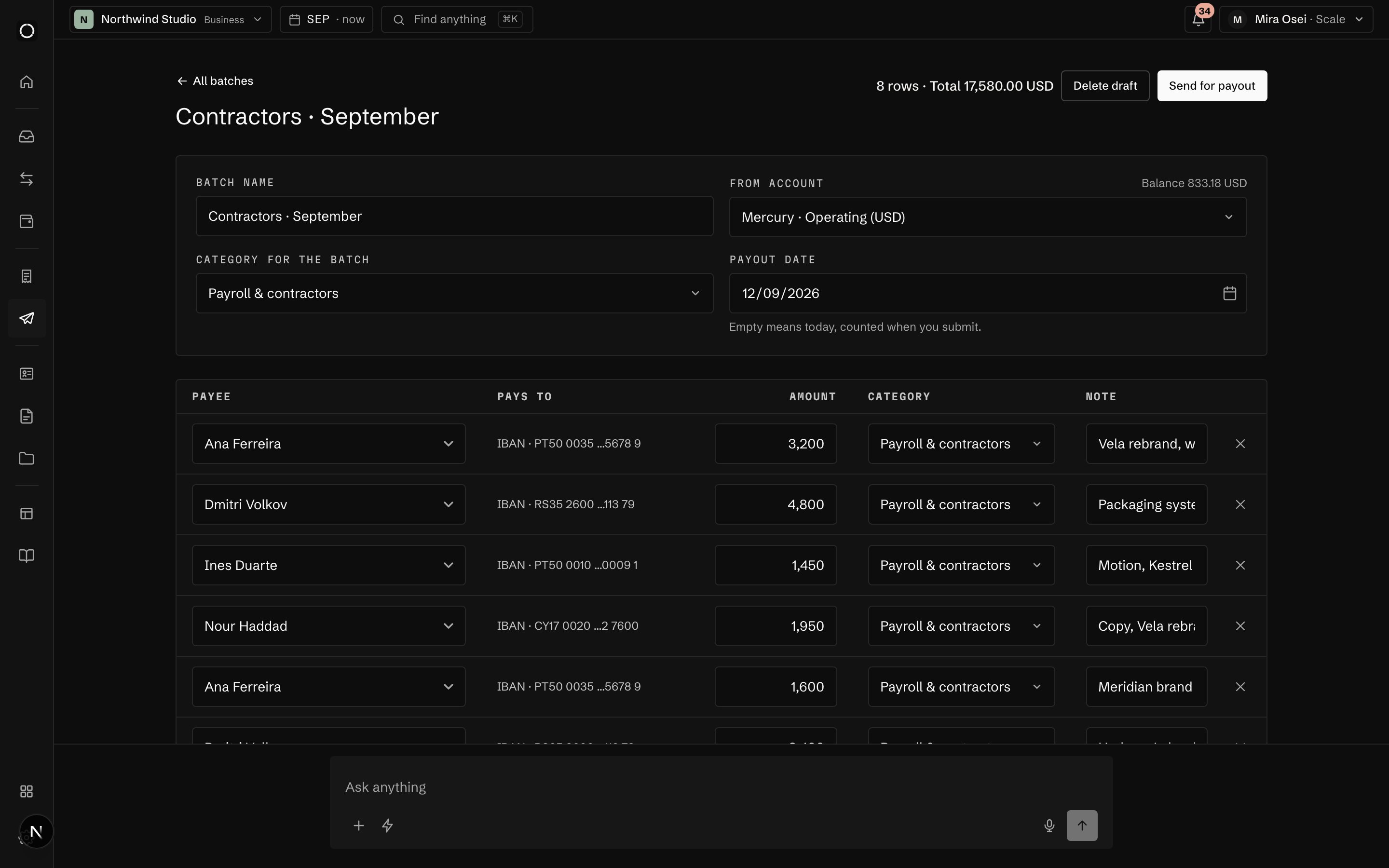
Tools and travel
•••• 2093
FrozenOrlaVirtual
4512 •••• •••• 4417
Ads and hostingSam AdeyemiExpires09/29
Virtual cards from one prepaid balance, Visa or Mastercard chosen at issue, each with a ceiling, a freeze and a block of its own.
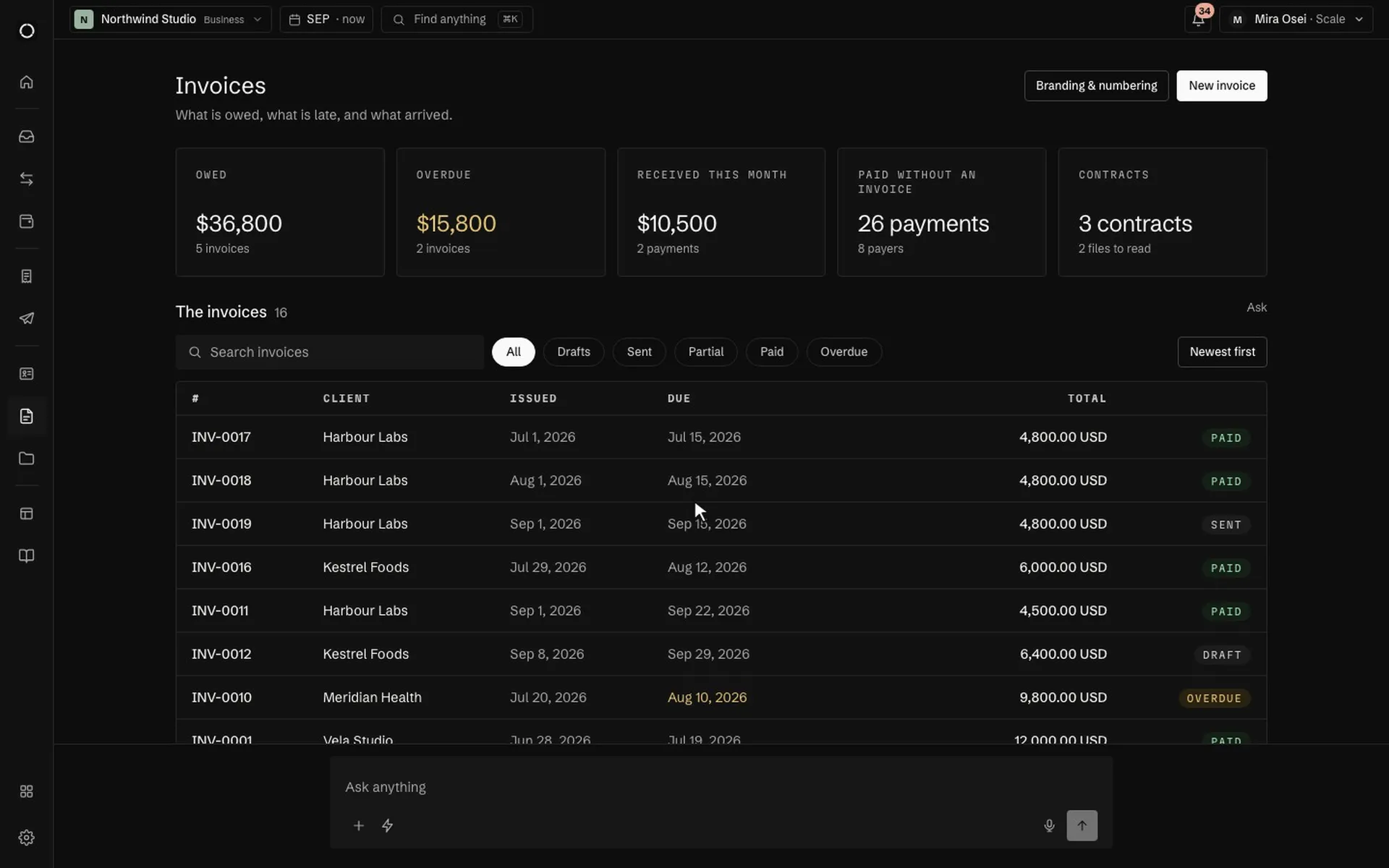
Kestrel app, sprint 5 · from the contract, milestone 24,800
Motion, two reels1,600
Total, USD6,400
Pay by card · 6,400 USDBank transferUSDC
A signed contract becomes the schedule of invoices, and each invoice is paid by card, transfer or stablecoin.
03 · People and papers
Every counterparty, with its papers and chats
An address book, and chats that book what they are told.
ContactsDocumentsOpen and shareChats
People and papers in full →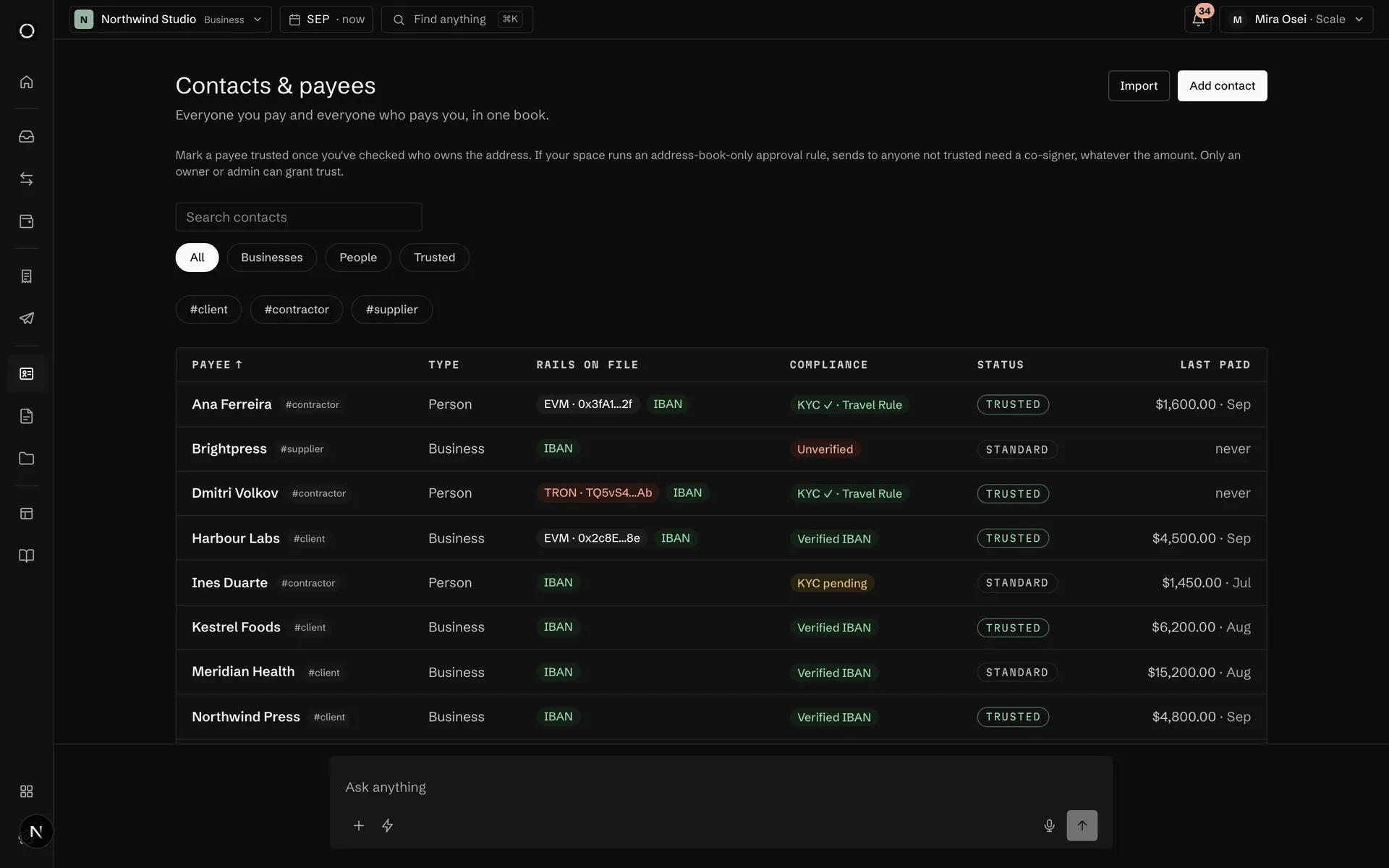
04 · Month and checks
Close the month into files, and check who you pay
Reports on the same figures the screens show, the month handed over as files, and the tax year ready.
ReportsFor the accountantTax and VATAML screeningAnti-fraud monitoring
Month and checks in full →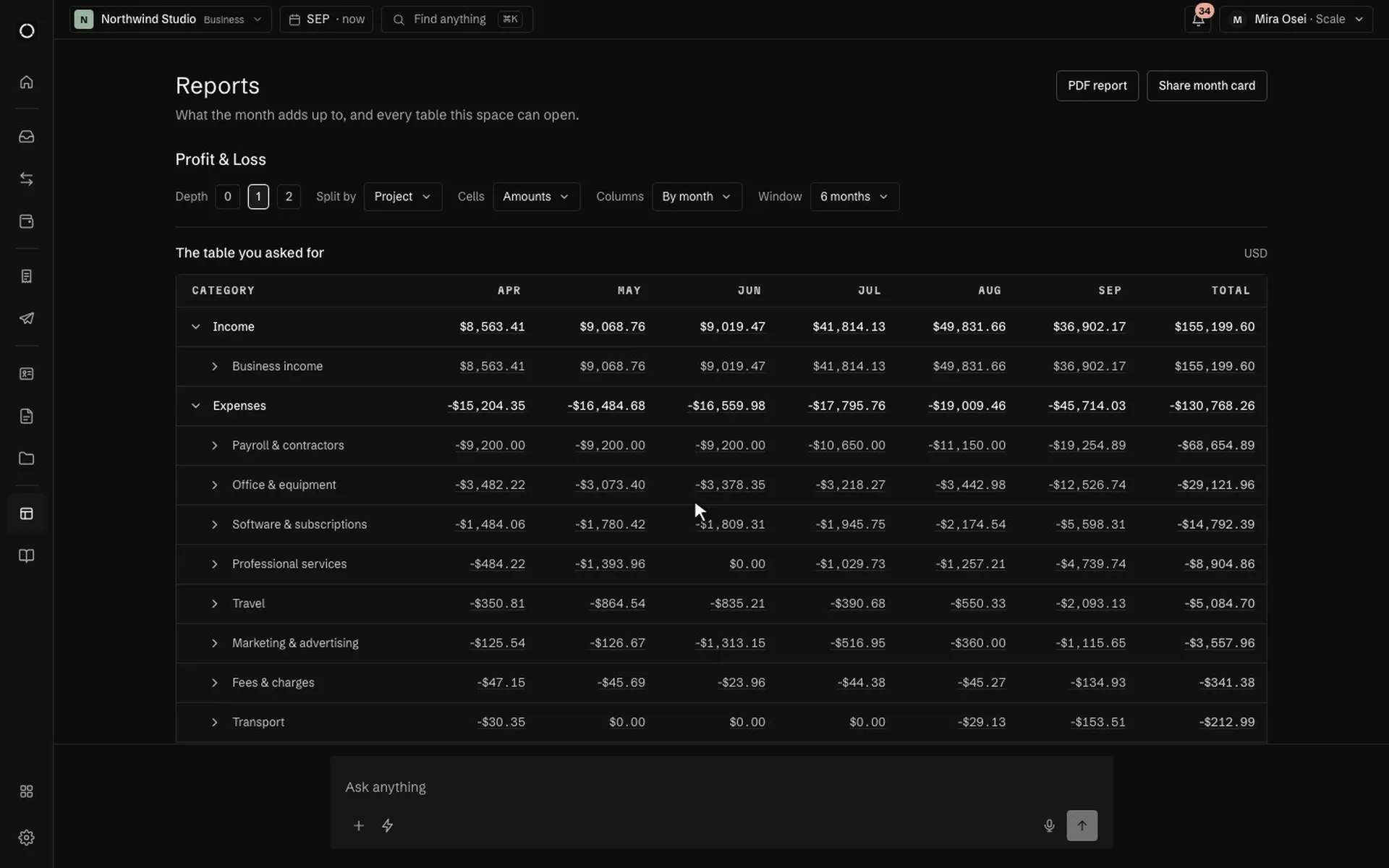
Ready to close · 4 of 6
- ✓Every row has a categorydone
- ✓Every category and account has a codedone
- ✓No payment waits for a quorumdone
- ○Every expense has a receiptwon't block closing2 expenses without a receipt
- ✓Bills of the month are paiddone
- ○Invoices of the month are paid1 invoice unpaid
A closing checklist with a door into each list; the month then leaves as statements, a journal and one archive.
AddressVerdictReasons
0x7f3a…1e2f ETHEREUMLow risk · 12%
TQ5vS4…4Ab TRONHigh risk · 71%
An address is screened before you pay it, and the verdict stays in the journal with who asked for it.
05 · The space
Who signs, what connects, and what runs on its own
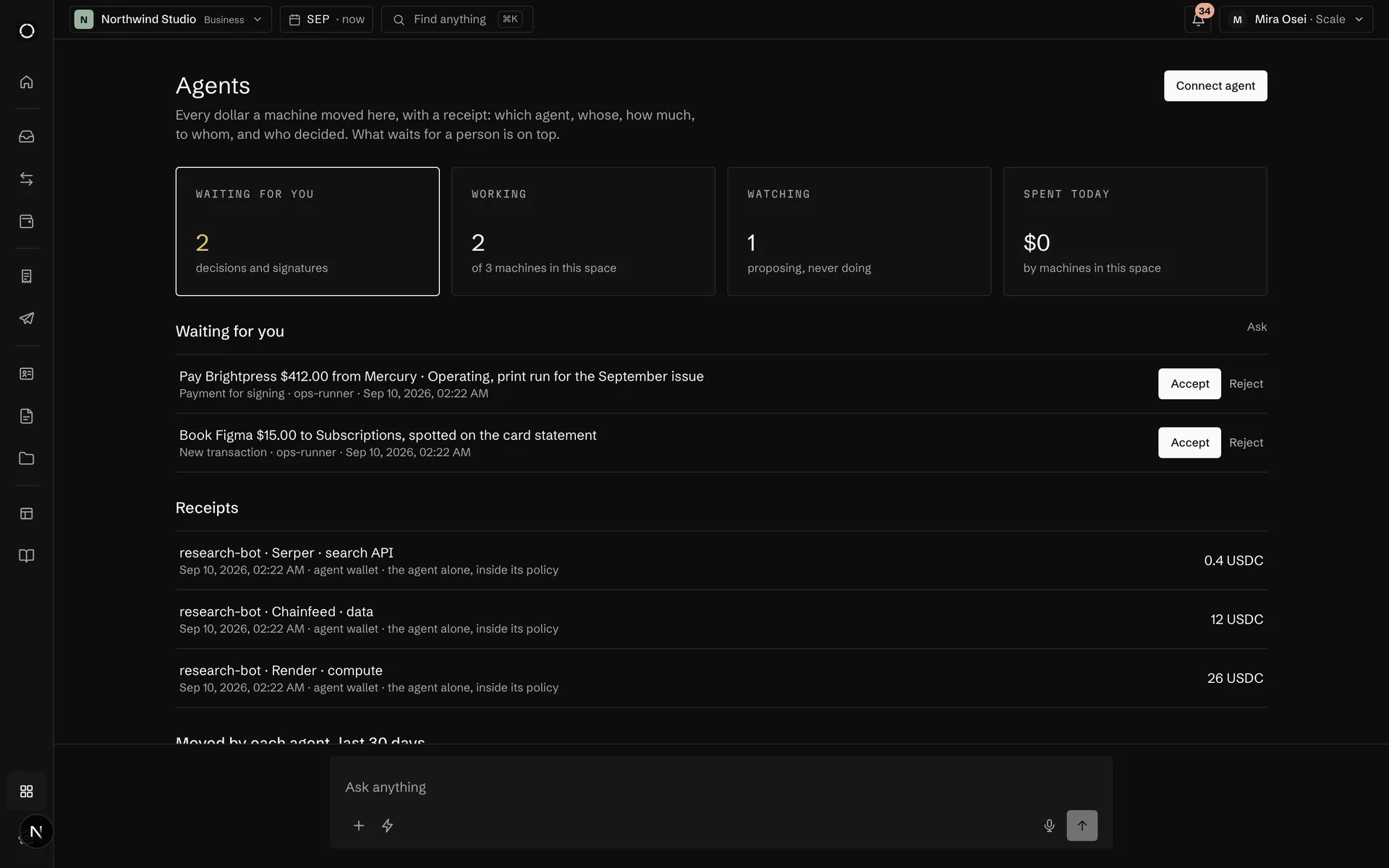
Roles and rules that say who signs what, and bank feeds and exchange keys that only read.
Team and signing rulesSecurityAgentsConnectionsAutomations
The space in full →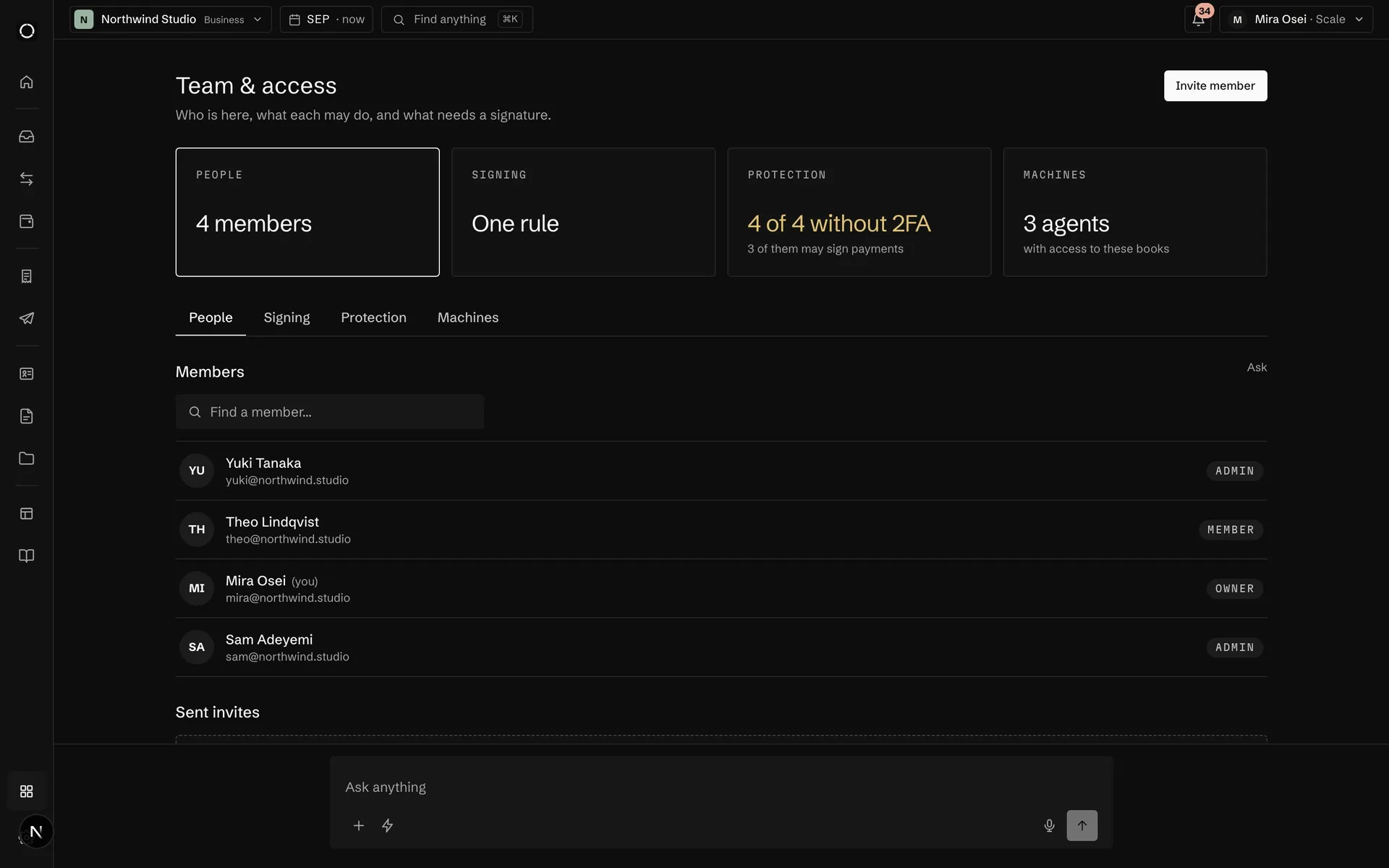
Sorted by why you connect: balances, sales, payouts, paper, clients, chats. One press re-syncs a row that broke.
Rules that watch the books and tell a person: once per period, never twice, and one broken rule cannot take the others down.
On the phone
What waits for you, decided from the phone
One queue across every space you belong to. Approve or reject a payment, accept a bill, answer an agent. Before money moves, the phone asks for Face ID.
The iPhone app is built and is not in the App Store yet. Today Orla installs from the browser to the Home Screen, and the Telegram and Slack bots already work from a phone.
Now
Soon
Northwind Studio
$131,314
Net worth
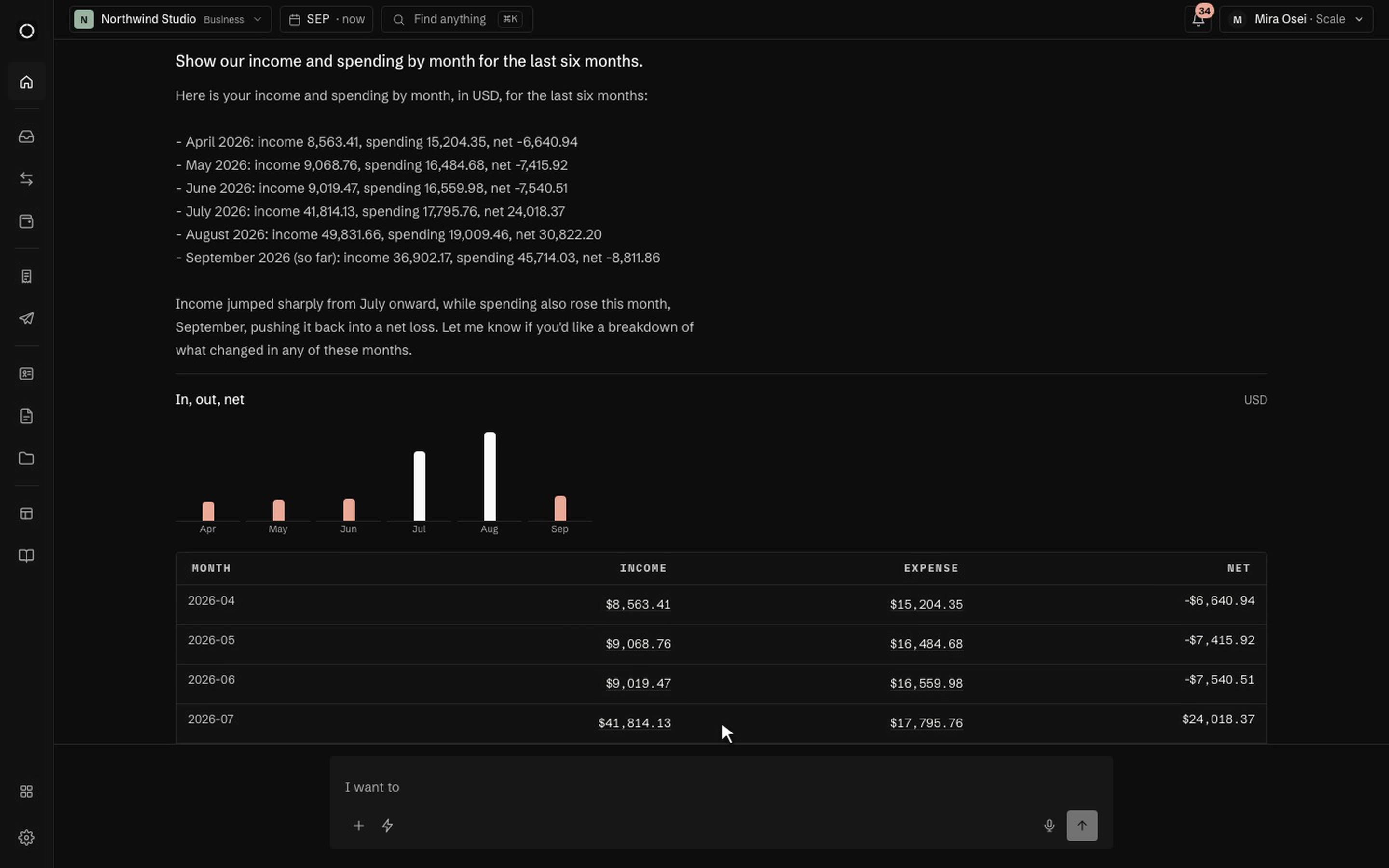
This month in $36,902, out $45,714
Burning1$9,800
06 · The assistant
Ask the book a question. Press once on the answer
It answers in cards, and nothing moves without your press.
AskSteps you can seeCharts by defaultThe checklistApply allDrafts, you sendRoutinesMemoryConversations
The assistant in full →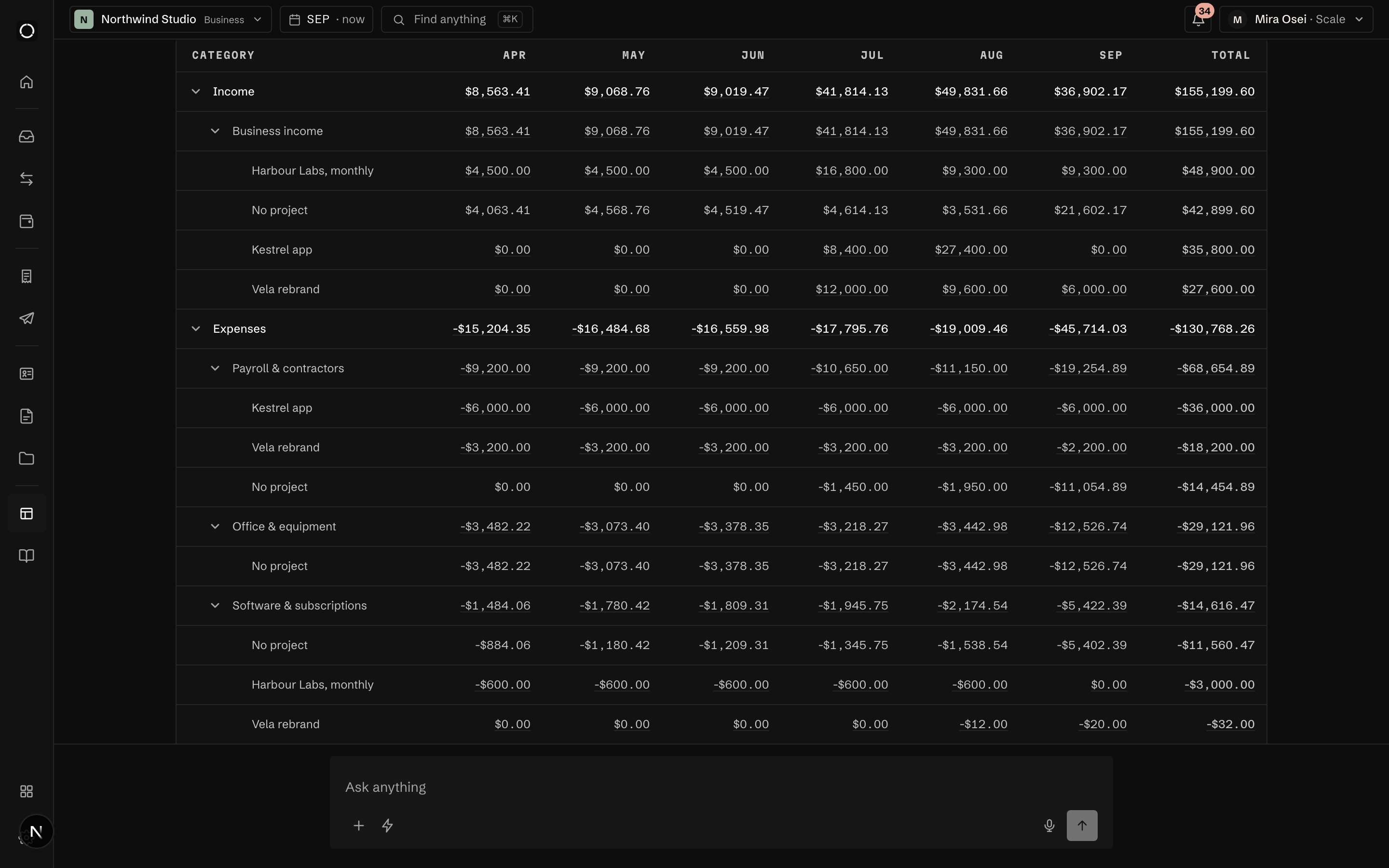
- Reading August on the USD account
- Comparing with July by category
- Building the chart
Down 4,180 against July. Two things moved: Acme paid 6,200 late, and hosting went up 1,340 with the second Modal plan.
Saved. It runs with your own rights, stops when you stop it, and the answer arrives where you said it should.
Any question the assistant can answer becomes a report on a schedule, and it stops when you stop it.
Two notes to keep about the space, and one of your own. They show in Settings under the assistant, where you can edit or drop them.
- The accountant is Maria
- The investor update goes out on the 5th
- Answer in USD
Notes it keeps only from a card you press or from Settings, in a list you can read, edit and drop.
07 · Crypto and wallets
Wallets beside the bank, taxes that reconcile
Exchanges and wallets in the same list as the bank, a swap priced at its minute, payouts that wait for a quorum. Orla never holds a key.
Wallets and exchangesSend, receive, swapEarn and borrowPayouts on chainAML screeningAnti-fraud monitoringCost basis and taxAgent walletsCards from the treasuryWho can move money
Crypto and wallets in full →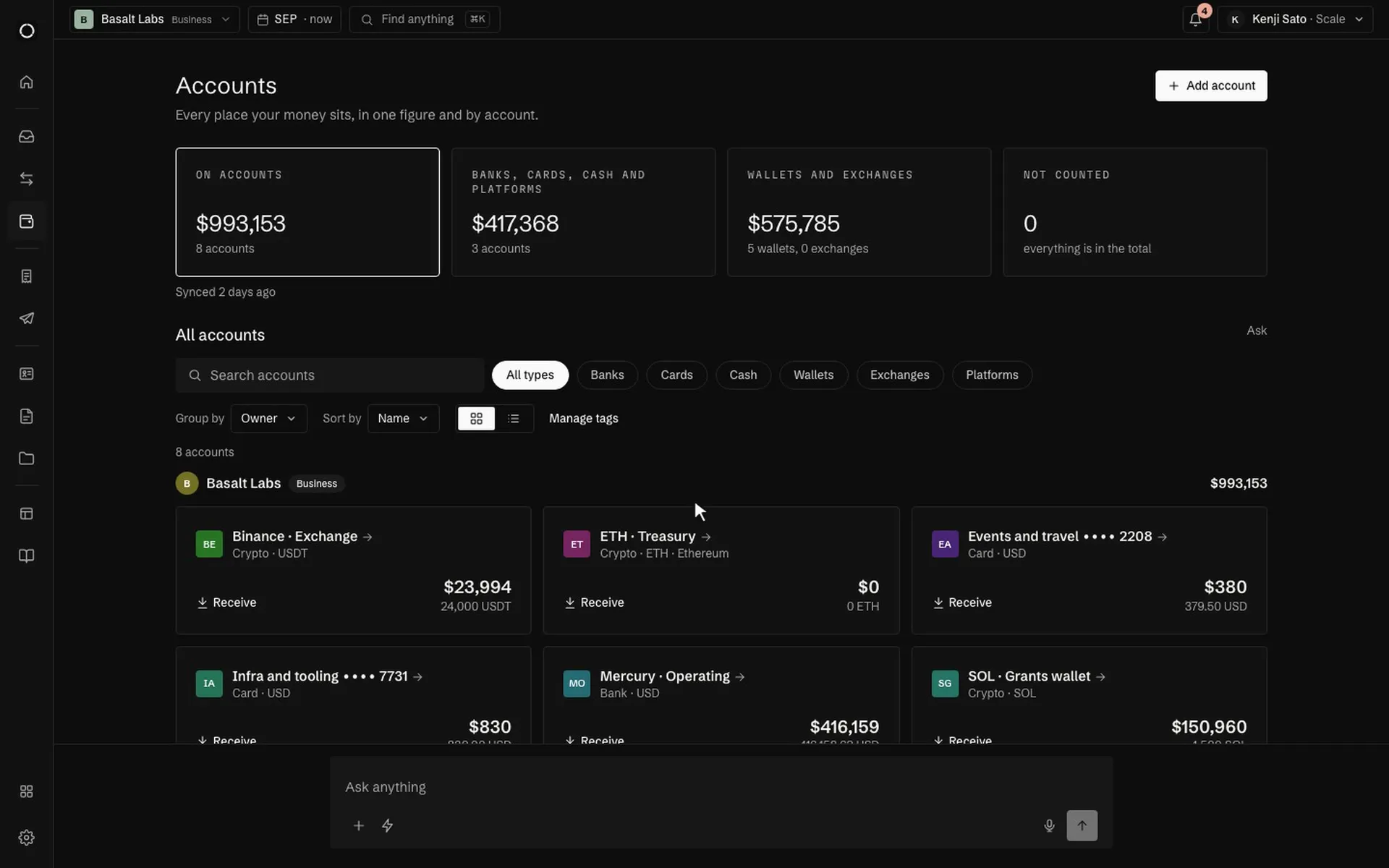
USDC · Base treasury4.1% a yearEarning
USDC · Grants wallet4.1% a yearCollateral
Borrowed · USDC6.2% a yearSigning
Aave v3 positions per wallet with their rates; calldata prepared unsigned, the health factor checked, a quorum on the large ones.
AssetAcquiredCost basisClosing
ETH96,000 USD
SOL230,000 USD
USDC310,000 USD
FIFO, LIFO or HIFO with the date and cost of acquisition; a trade priced at its minute, a sealed year that reports its own drift.
See it on your own books
Thirty minutes: we connect an account, drop a real bill in, and close a month together.